Skip to content

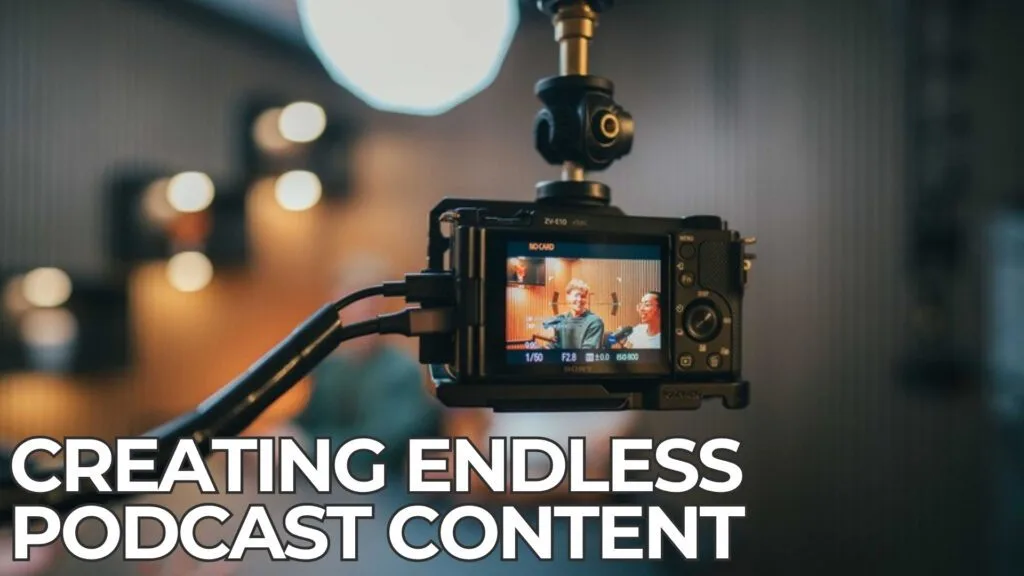

In short: To repurpose podcast content, cut each episode into short vertical clips, pull out quotes for graphics, and turn the key points into a blog post and a newsletter. One recording can then fill several weeks of posts.
A video podcast is one of the most efficient ways to create content. However, many businesses publish the full episode and stop there. That leaves a lot of value on the table.
The good news is that the hard work is already done. You have recorded the ideas, the stories and the expert answers. Now you just need to reshape them for each channel.
How Do You Repurpose Podcast Content Step by Step?
First, watch the episode back and note the strongest moments. Look for clear answers, strong opinions and short stories. Aim for five to ten moments per episode.
Next, turn each moment into a 30 to 60 second vertical clip. Add captions, because most people scroll with the sound off. Then write a short hook for each clip.
After that, pull two or three quotes for simple graphics. Finally, turn the episode outline into a blog post. To repurpose podcast content well, think of the episode as the source and every post as a slice of it.
Which Platforms Work Best to Repurpose Podcast Content?
It depends on your audience. For most Perth businesses, LinkedIn suits expert advice and industry opinions. Facebook, on the other hand, works well for local community stories.
YouTube is ideal for the full episode and for Shorts. Similarly, Instagram Reels can reach a broader local audience. Above all, pick two or three channels and post consistently rather than spreading yourself thin.
How Many Posts Can You Repurpose Podcast Content Into?
A single 45-minute episode can usually produce:
- Six to ten short clips.
- Three quote graphics.
- One blog post.
- One email newsletter.
- A handful of photos from the session.
In other words, one recording can cover a month of posting. That is why batching matters. If you record two episodes in one booking, you can plan even further ahead.
How Does the Recording Make It Easier to Repurpose Podcast Content?
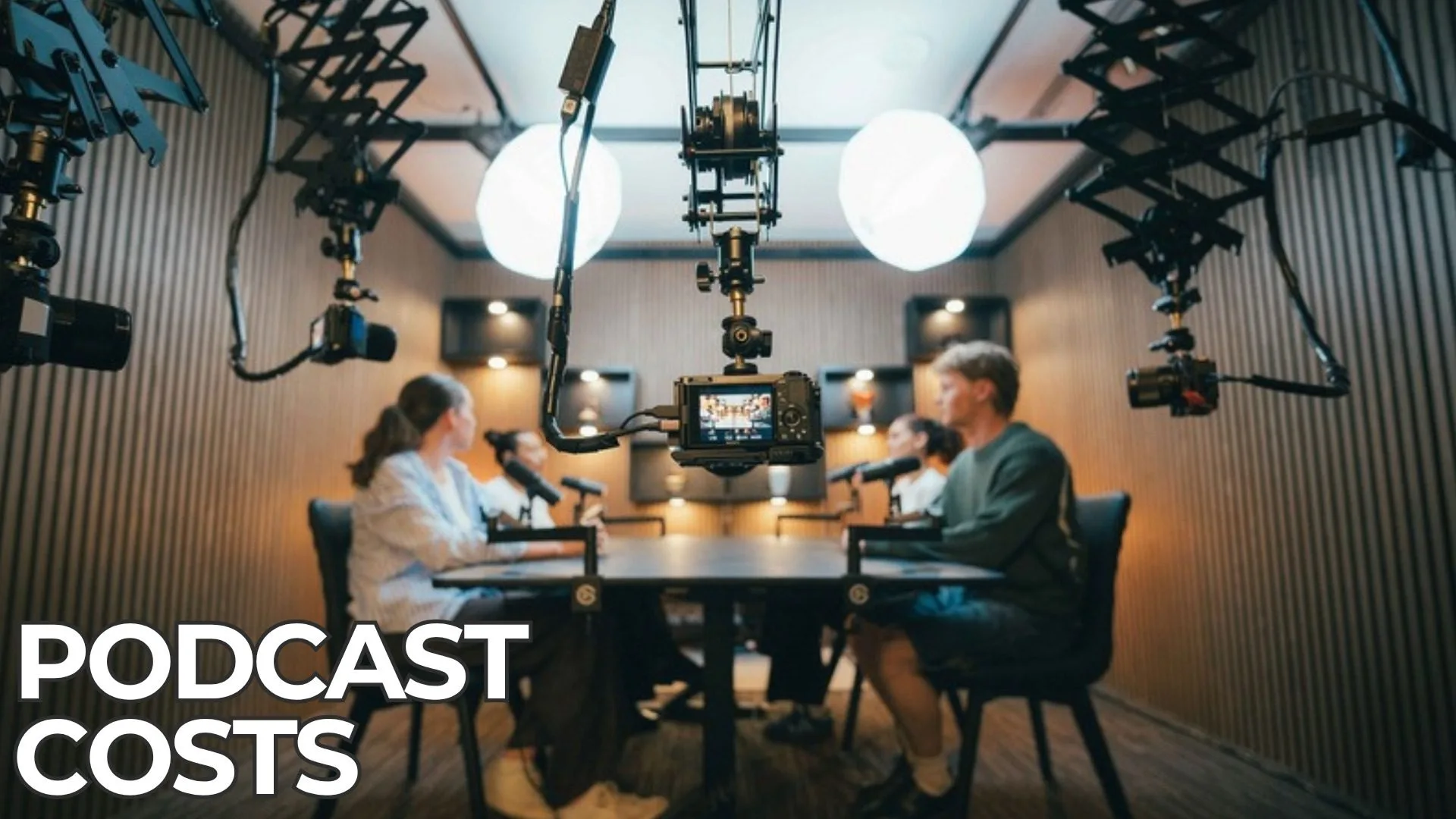
Good footage makes every clip easier to cut. For example, multiple camera angles let editors switch between close-ups and wide shots. As a result, short clips feel more dynamic.
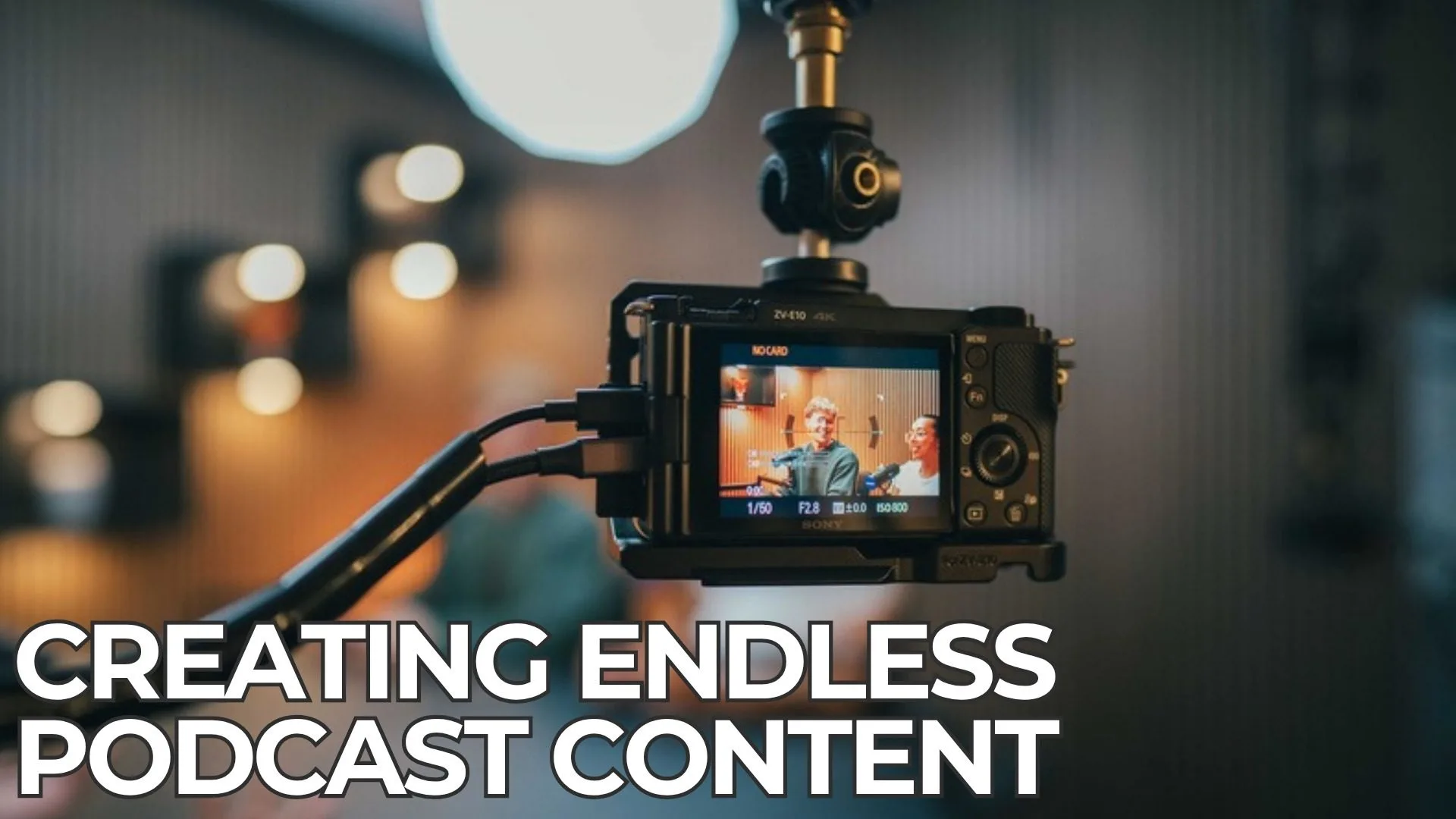
At our West Leederville studio, five Sony 4K cameras and live switching capture every angle. In addition, your producer takes photos during the session, so you leave with social images too. If you want help with the cutting, our editing services team can produce clips for you.
Which Mistakes Hurt Podcast Content You Repurpose?
Firstly, avoid posting clips without captions. Secondly, do not cut a clip mid-thought. Each clip should make sense on its own. Thirdly, avoid posting the same caption everywhere. Instead, tailor the hook to each platform.
Lastly, do not forget a next step. Every post should point people back to the full episode.
How Do You Plan to Repurpose Podcast Content?
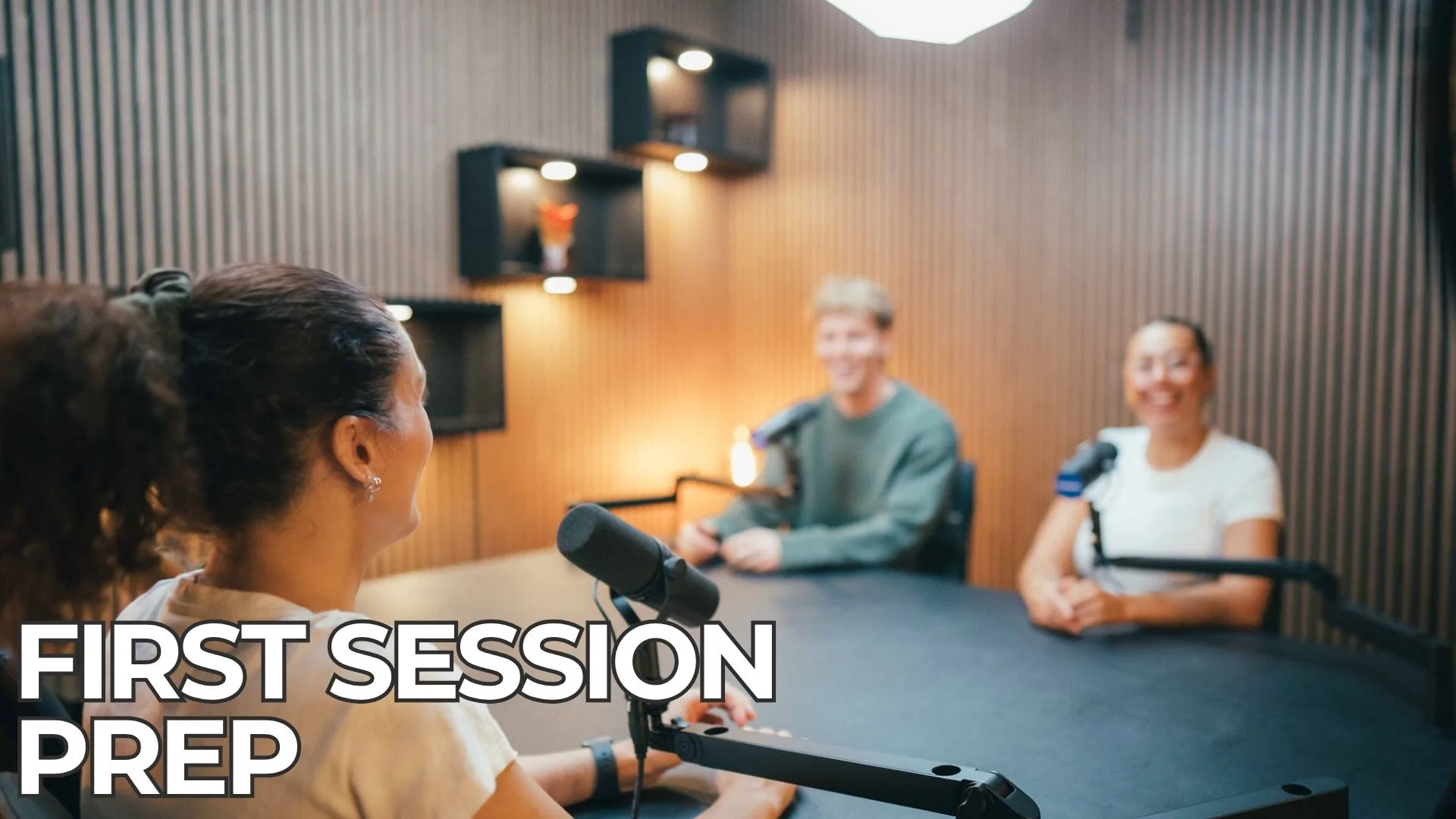
Repurposing works best when you plan for it early. Before the session, write down three to five points you want people to remember. Then make sure each one gets a clear, standalone answer during the recording.
It also helps to ask questions that invite short stories. For example, “What is one mistake you see Perth businesses make?” usually produces a punchy, clip-ready answer. By contrast, a vague question often produces a long, wandering reply.
Finally, tell your producer which moments matter most. That way, they can favour the right camera angles during live switching.
What Does a Four-Week Posting Plan Look Like?
Here is a simple plan you can copy for one episode.
- Week one: publish the full episode on YouTube. Share one strong clip on LinkedIn and Facebook with a link to the episode.
- Week two: post two more clips. Add a quote graphic on Tuesday and publish the blog version of the episode.
- Week three: send a short newsletter with the key takeaways. Then share a behind-the-scenes photo from the studio.
- Week four: post the last two clips. After that, ask your audience a question related to the topic.
In other words, you stay visible all month without recording anything new. Meanwhile, you can book your next session.
How Do You Write Captions That Work?
The first line of a caption does most of the work. Ideally, it states a clear problem or a surprising point. Then the rest of the caption adds context and a next step.
For example, a Perth builder might post a clip with the hook, “Most renovation budgets blow out for the same reason.” Next, the caption explains the reason in two short lines. Finally, it links to the full episode.
Also adapt the tone for each platform. LinkedIn suits a slightly more professional voice. Facebook, on the other hand, rewards a friendlier, local tone.
How Do You Turn an Episode Into a Blog Post?
Start with the episode outline rather than a full transcript. Use each main question as an H2 heading. Then write a short, direct answer under each one.
After that, add a few quotes from the conversation to keep the speaker’s voice. You can also embed the YouTube episode near the top. As a result, readers can choose to watch or read.
This approach also helps search engines and AI tools understand your expertise. Clear questions with clear answers are easier for them to quote.
Frequently Asked Questions
How long should a podcast clip be?
Most clips work best between 30 and 60 seconds. However, LinkedIn and YouTube can handle slightly longer clips if the content is strong.
Do I need to edit clips myself?
No. You can do it yourself, or you can hand the files to an editor. Our Podcast Package at $1,375 includes editing and a bonus branded short clip.
Should I post every clip at once?
No. Spread them out over several weeks. That way, you stay visible without overwhelming your audience.
Where can I see examples?
Follow us on Instagram at @podwavestudios for examples of clips recorded in our studio.
How many clips should I post each week?
Two or three clips a week is a realistic target for most businesses. That way, you stay consistent without running out of material before the next episode.
Can I reuse old episodes?
Yes. In fact, older episodes are often a goldmine. If the advice is still accurate, cut fresh clips and share them with a new hook.
Do photos from the session help?
They do. Behind-the-scenes photos show your audience the people behind the brand. Our producers take photos during each session, so you have them ready to post.
Ready to Record Content Worth Repurposing?
Repurposing starts with a strong recording. Book a session at Podwave Studios in West Leederville, and leave with footage you can use for weeks.