Skip to content

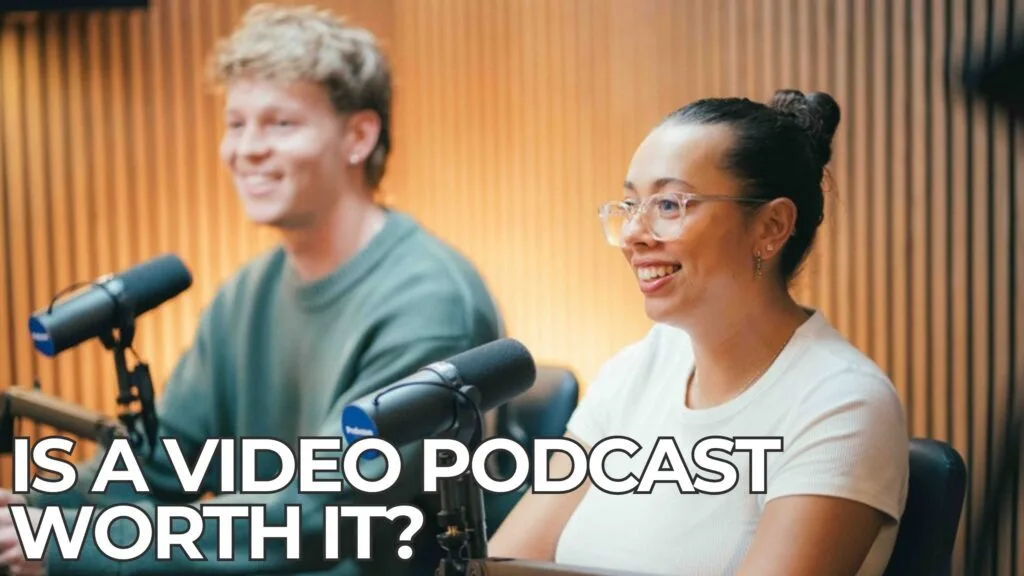

A video podcast for business is worth it in most cases because one recorded conversation becomes a full YouTube episode. It also becomes an audio episode and a set of short clips for social media, all from a single session. The extra work sits in cameras, lighting and editing, and a studio with a producer takes almost all of that off your plate.
Plenty of Perth business owners still picture a podcast as two microphones and an audio file. In practice, audiences watch the shows that grow today as much as they hear them. The people considering a show for the first time usually have the same questions. Is video really necessary, what does it involve, and how much effort will it take?
So whether you are planning your first episode or thinking about adding cameras to an existing show, here is how to think about it properly.
What Is a Video Podcast?
A video podcast is a podcast recorded on camera as well as on microphone. You can publish each episode as a watchable video and as a standard audio episode. The conversation is the same; the difference is that your audience can see the people having it.
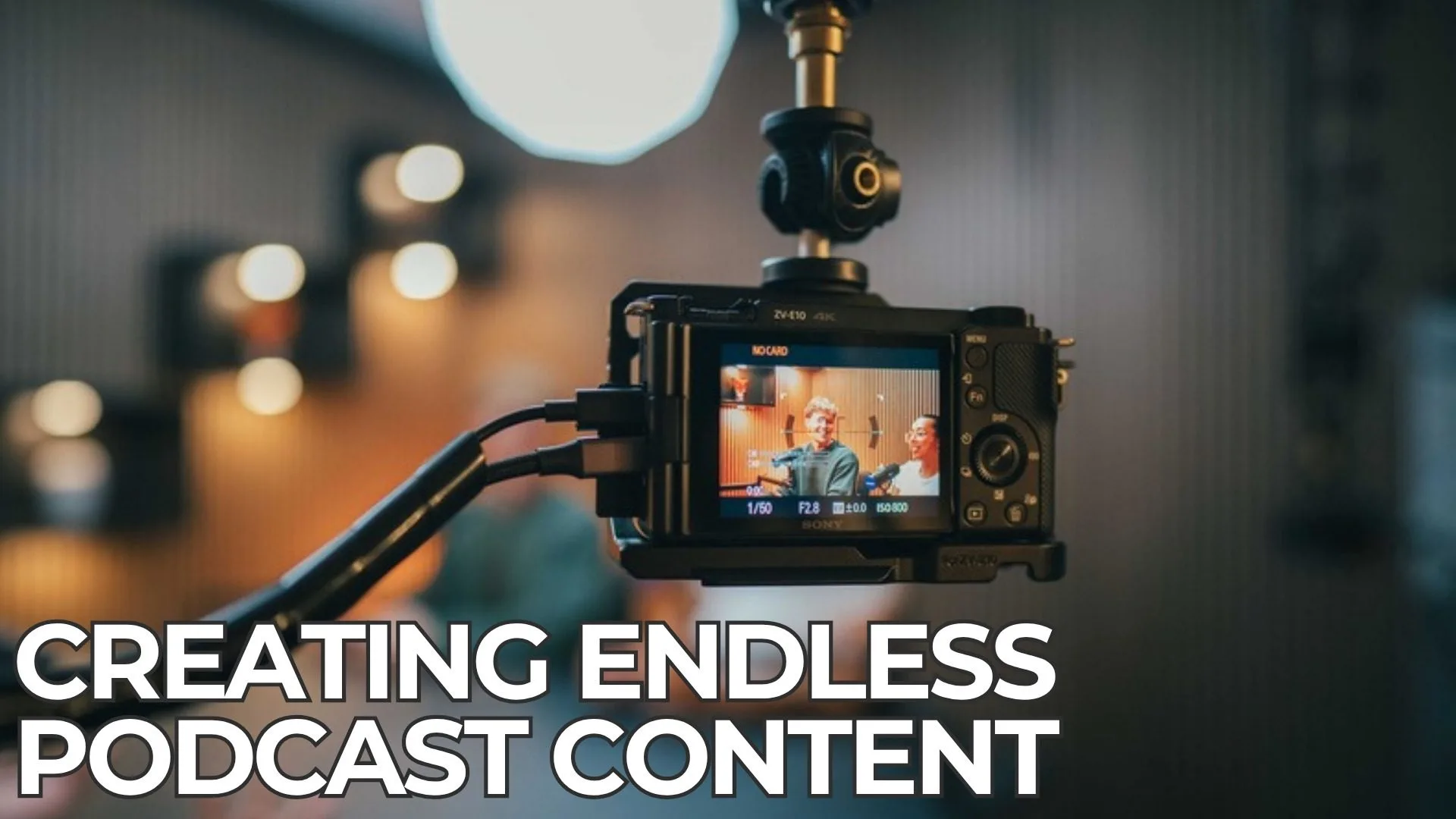
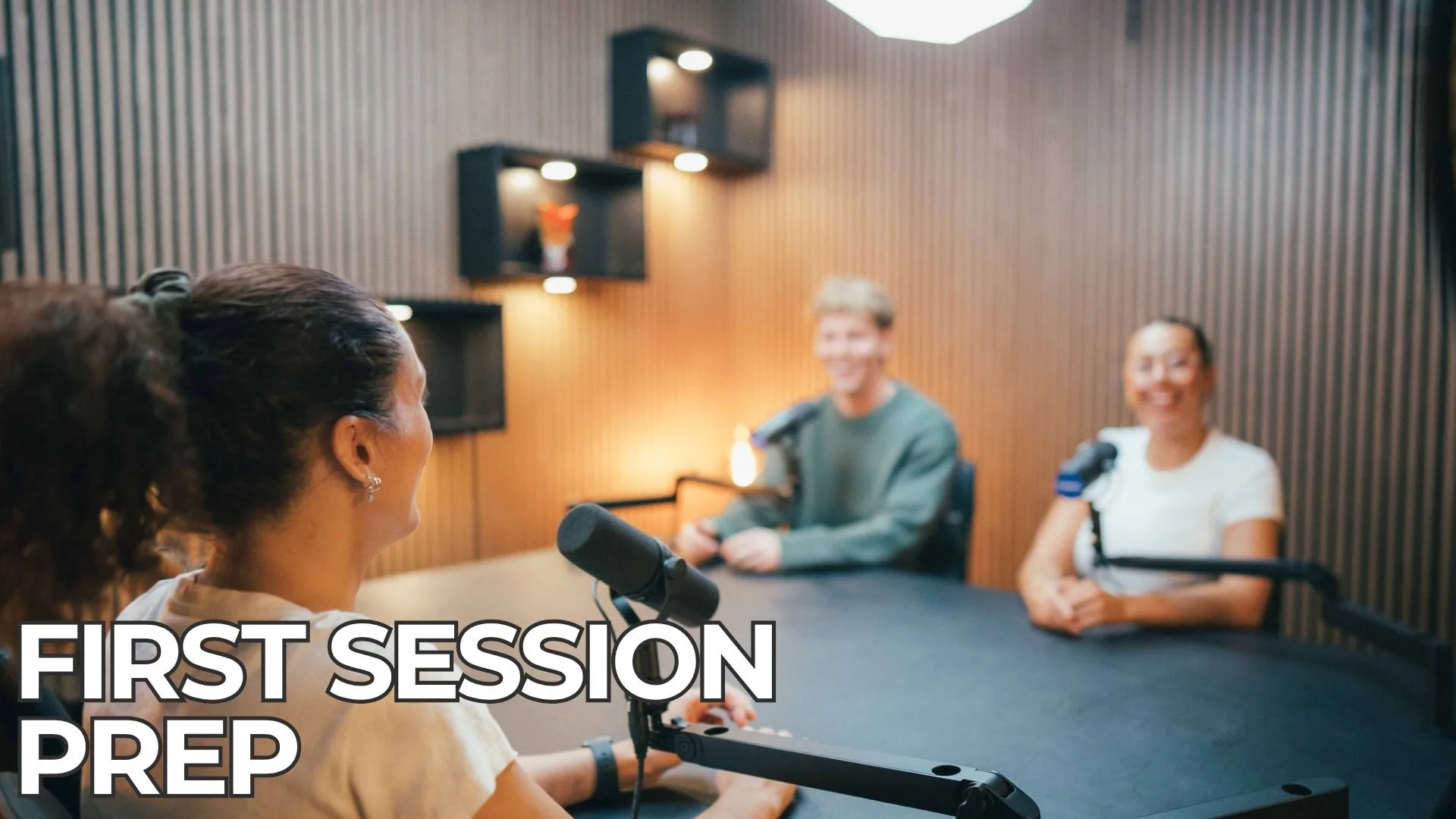
A typical video podcast for business uses a simple format: a host and one or two guests around a desk. The team films them from several angles, and the edit cuts between them as the conversation moves. As a result, the finished episode feels closer to a television interview than a phone call.
Above all, video does not replace audio. Listeners who prefer to hear the show in the car or at the gym still get the audio version, while everyone else gets something to watch.
Why Choose Video Over Audio-Only?
The main reason to choose video is reach. An audio-only show lives in podcast apps. A video podcast can also appear on YouTube, LinkedIn, Instagram and TikTok. That is where many of your prospective clients already spend their time.
Video also builds trust faster. A potential client can see your face, your expressions and the way you explain an idea. They get a real sense of who you are before they ever pick up the phone. For professional services in particular, that familiarity is often what turns a viewer into an enquiry.
Finally, video gives you far more to work with after the recording. One session can produce a full episode, several short vertical clips, thumbnails and quotes for social posts. The same hour of conversation keeps working for weeks.
What Is Involved in Making a Video Podcast?
Making a video podcast involves the same planning as an audio show, plus cameras, lighting and a more involved edit. Broken down, the process usually looks like this:
- Planning. Decide on the format, the episode topics and any guests, so every recording has a clear purpose.
- Setting up. Position cameras, light the set evenly and check every microphone before anyone sits down.
- Recording. Capture the conversation on several cameras at once, with someone monitoring sound and switching between angles.
- Editing. Cut the episode, balance the audio, colour-correct the footage and add graphics where needed.
- Clips and publishing. Produce short vertical clips, thumbnails and show notes, then upload everything to the right platforms.
Notably, the conversation is the only part that genuinely needs you. Everything else is technical work that a team can handle.
Can You Make a Video Podcast at Home?
You can make a video podcast at home, but it is much harder to make it look and sound professional. Untreated rooms add echo, daylight changes the picture across a recording, and a single webcam gives viewers one flat angle for the whole episode.
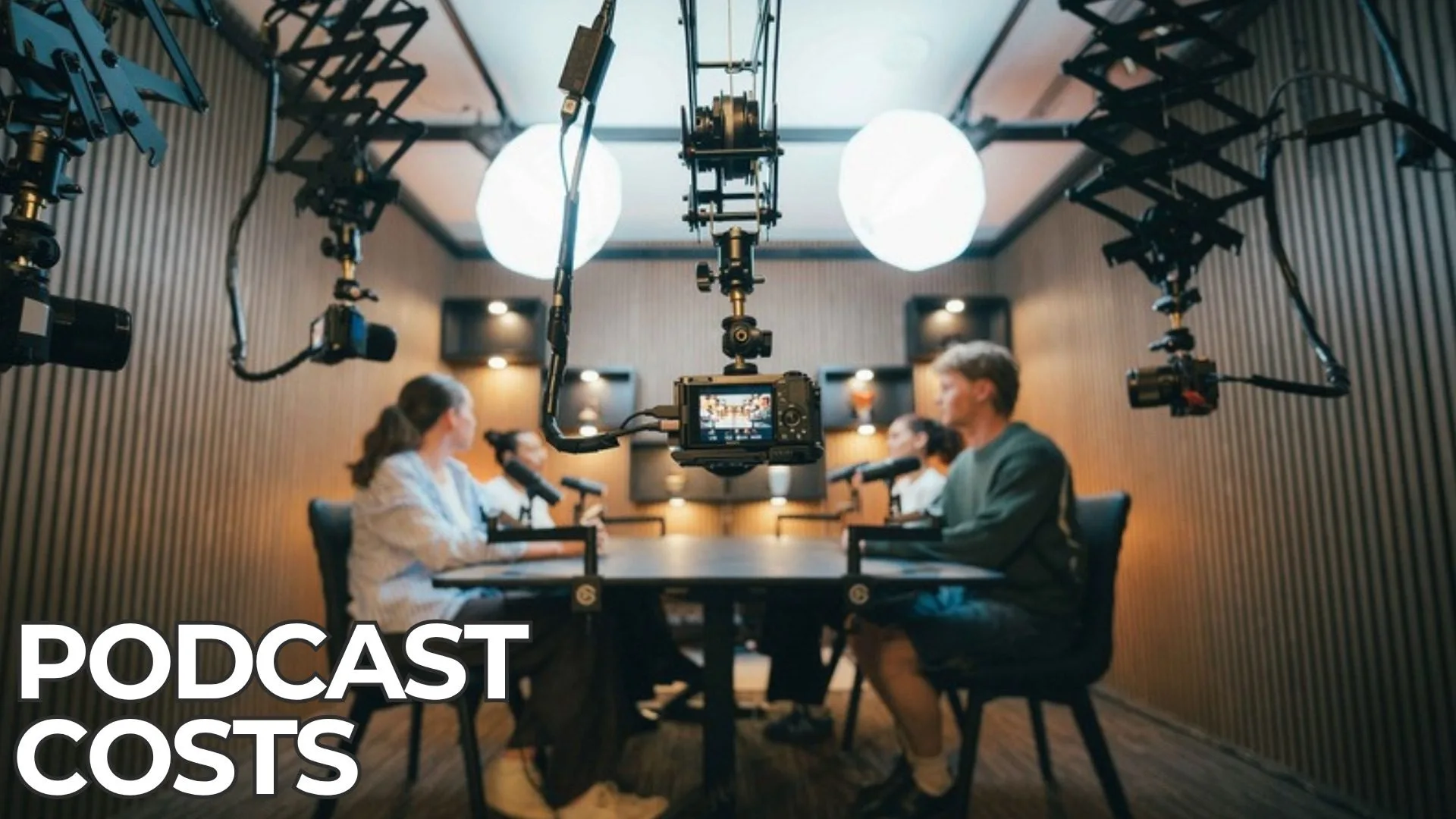
By comparison, a purpose-built studio removes those problems before you arrive. Our West Leederville video podcast studio has timber sound panels for acoustic treatment. It also has five Sony 4K cameras and lighting on an adjustable ceiling rail. The room also includes four Shure SM7B microphones, a Rodecaster Pro 2 and a BlackMagic video switcher. It seats up to four people, and there is a teleprompter for anyone delivering scripted content.
Most people who record with us have tried at least one session at home first. The difference is usually obvious at playback, and it matters more as the show grows.
How Podwave Studios Helps With Your Video Podcast for Business
At Podwave Studios, we record every session in video as standard rather than as an upgrade. A producer sets up the room, handles live video switching and audio adjustments. They also give feedback on your delivery and take photos during and after the recording. Your first booking includes a complimentary producer for the first hour, valued at $150.
After the recording, our editing services cover multi-camera cuts, colour correction, audio clean-up, graphics, short-form clips for Instagram, TikTok, LinkedIn and YouTube Shorts, plus show notes. We typically deliver a standard episode edit within three to five business days.
You can also choose how much support you want. Our Podcast Package covers a 60-minute session with a producer, post-production editing and a bonus branded short clip, from $1,375 including GST. For businesses recording regularly, monthly packages add priority studio access, distribution, hosting, thumbnails, descriptions and timecodes.
This approach works for our clients, too. The Follio Podcast, produced with Podwave, has passed two million views and 15,000 subscribers, and Follio reports saving six to ten hours a week through our end-to-end service. As Follio’s Head of Marketing put it, “We are now heavily dependent on the podcast to produce clients.”
What Does Not Work
A few common mistakes hold business video podcasts back, so it is worth avoiding them from the start.
First, treating video as an afterthought does not work. If the cameras are an add-on rather than part of the plan, the set, framing and lighting usually show it, and the clips are harder to use.
Second, recording without a plan does not work. A loose chat might feel fine in the room, yet it produces long, wandering episodes and very few moments strong enough to become clips.
Finally, publishing the full episode and stopping there does not work either. Most of the reach from a video podcast comes from the short clips and social posts, so build them into your process rather than leaving them for later.
Frequently Asked Questions
Do I need a video podcast or is audio enough?
Audio alone can work for some shows, but a video podcast gives you access to YouTube and social platforms as well as podcast apps. For most businesses aiming to reach new clients, recording video from the first episode is the stronger choice, because you still get an audio version from the same session.
How long does it take to record a video podcast episode?
You can comfortably record most business episodes within a one to two hour studio booking, including setup and a short warm-up. Studio hire at Podwave has a one-hour minimum, and the team can help you estimate the right session length for your format when you book.
Do I need any experience to record a video podcast?
You do not need any experience to record a video podcast in a professional studio. At Podwave, we set up the studio before you arrive. A producer manages the cameras, audio levels and live switching throughout. Your only job is to have the conversation.
Can I see the studio before I book?
Yes. Studio tours and podcast consultations are available at West Leederville, so you can see the space, meet the team and understand how a session runs before committing.
Ready to Start Your Video Podcast?
Starting a video podcast for business does not have to be complicated. You bring the expertise and the conversation, and we take care of the cameras, the lighting, the sound and the edit. Book a studio session at Podwave Studios in West Leederville and we will help you plan, record and publish your first episode.