Skip to content


Podcasting has exploded in popularity, and with it, the competition for listener attention. High-quality content is key, but the technical quality of your podcast is equally important. Crisp audio, seamless editing, and a professional sound can make the difference between a podcast that stands out and one that gets lost in the crowd. Here are some best practices for recording and editing your podcast to ensure it sounds as polished and professional as possible.
1. Continued Growth and Global Expansion
Preparation is key to a smooth recording session. Before you hit the record button, ensure you have:
- A Script or Outline: Even if your podcast is conversational, having a script or outline will keep you on track and prevent rambling. It also helps in organising your thoughts and ensuring that all key points are covered.
- A Quiet Environment: Choose a quiet room for recording, away from external noise sources like traffic or household appliances. Inform others in the space that you’ll be recording to minimise interruptions.
- Test Your Equipment: Always do a quick test of your microphone, recording software, and other equipment before starting. This can help avoid technical issues that could disrupt your recording.
2. Use Quality Equipment
Investing in quality equipment can drastically improve your podcast’s sound quality. Here’s what you’ll need:
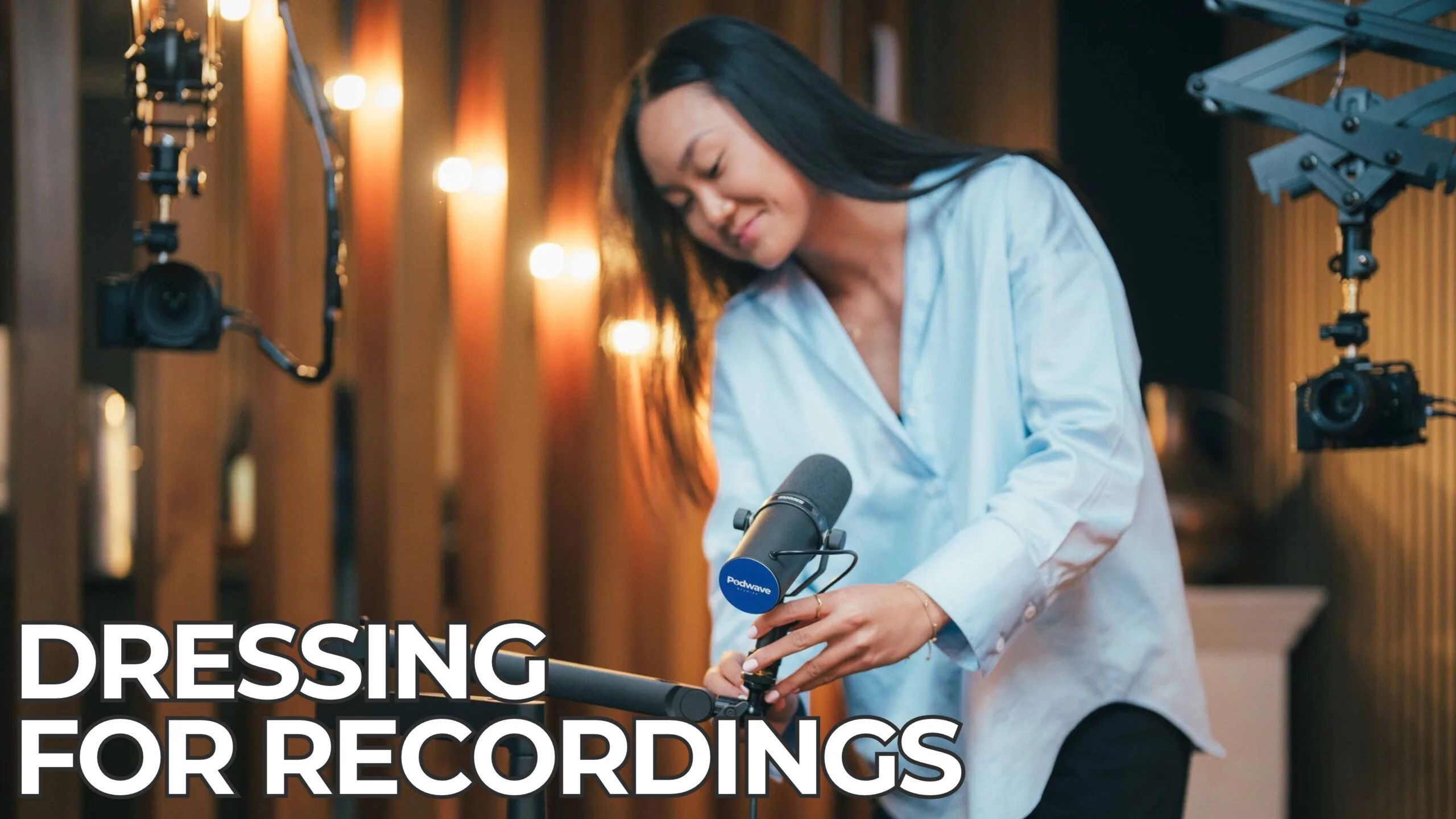
- Microphone: A good microphone is essential. USB microphones like the Blue Yeti or dynamic XLR microphones like the Shure SM7B are popular choices among podcasters for their clarity and reliability.
- Headphones: Use closed-back headphones while recording and editing to hear every detail and avoid audio bleed into the microphone.
- Audio Interface: If you’re using an XLR microphone, an audio interface like the Focusrite Scarlett is necessary to connect it to your computer.
- Pop Filter: A pop filter helps to reduce plosive sounds (like “p” and “b” sounds) that can cause distortion in your recording.
3. Optimise Your Recording Space
The environment you record in plays a huge role in sound quality. Here are some tips to optimise your recording space:
- Soundproofing: Consider adding soundproofing materials like foam panels or thick curtains to absorb echo and background noise.
- Mic Placement: Position your microphone correctly – about 6-12 inches from your mouth and slightly off to the side to avoid plosive sounds.
- Minimise External Noise: Turn off fans, air conditioners, and other appliances that might create background noise. If possible, record during a quiet time of day.
4. Use Recording Software Correctly
Choosing the right recording software and knowing how to use it effectively can save time during editing. Popular choices include:
- Audacity: A free, open-source software that is user-friendly and perfect for beginners.
- Adobe Audition: A professional-grade software with advanced editing features.
- GarageBand: A great option for Mac users, offering a good balance between functionality and ease of use.
When recording, always record at a high sample rate (44.1kHz or 48kHz) and bit depth (24-bit) for better sound quality. Save your recordings in WAV format to preserve audio quality.
5. Effective Editing Techniques
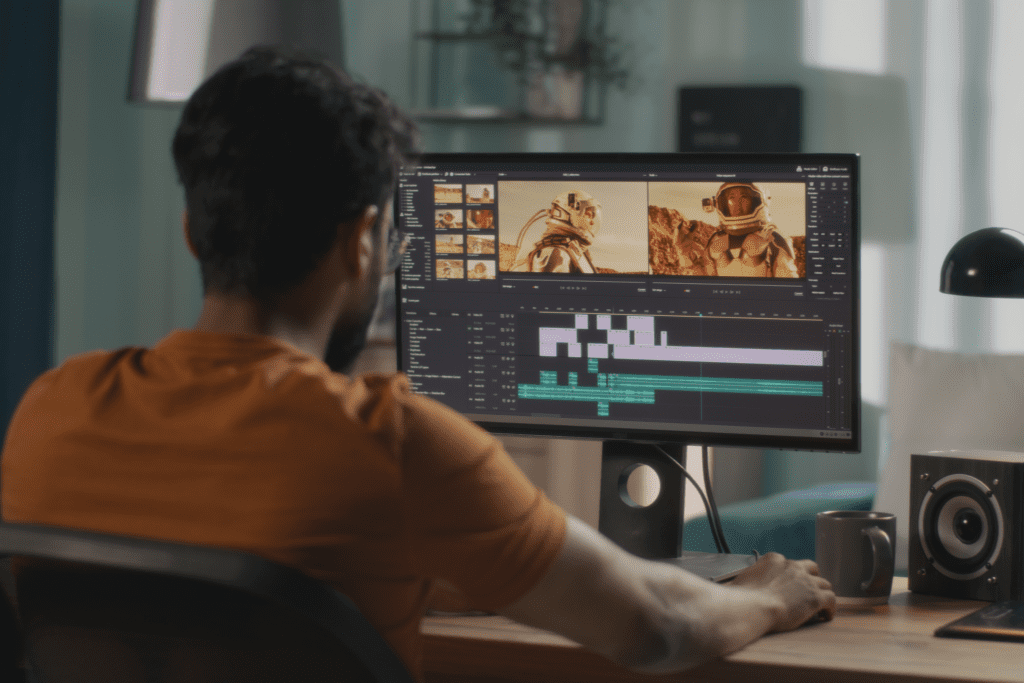
Editing can transform a good recording into a great podcast. Here are some editing best practices:
- Trim Silence and Errors: Remove long pauses, filler words (like “um” and “uh”), and mistakes to keep the content engaging.
- Use Noise Reduction Sparingly: While it’s tempting to remove all background noise, overuse of noise reduction can make audio sound unnatural. Apply it gently to maintain a natural sound.
- Normalise Audio Levels: Ensure consistent volume throughout your podcast by normalising audio levels. This helps avoid sudden loud or quiet sections.
- Add Music and Sound Effects: Music can set the tone of your podcast, and sound effects can enhance storytelling. Be sure to use them judiciously and ensure they don’t overpower the dialogue.
- Fade In and Out: Smooth transitions with fade-ins and fade-outs can make your podcast sound more professional. This is especially useful for starting and ending music or segments.
6. Review and Export
Once editing is complete, listen to your podcast from start to finish. This final review helps catch any errors or inconsistencies you might have missed. Pay attention to audio levels, clarity, and overall flow. When exporting your final episode, consider the following:
- Export Format: MP3 is the most common format for podcasts, balancing quality and file size.
- Bitrate: A bitrate of 128 kbps is standard for spoken-word podcasts. For podcasts with more music or sound effects, consider 192 kbps for better quality.
- ID3 Tags: Add metadata like episode title, description, and artwork to your file. This information helps podcast directories and players display your content correctly.
Always backup your raw recordings, edited files, and final versions. Use cloud storage, an external hard drive, or both to ensure you don’t lose your work due to technical issues.
Summary
By following these best practices, you can significantly improve the sound quality and professionalism of your podcast. High-quality audio, combined with thoughtful editing, ensures that your content is enjoyable and engaging for your listeners, helping you stand out in the crowded podcasting landscape