Skip to content

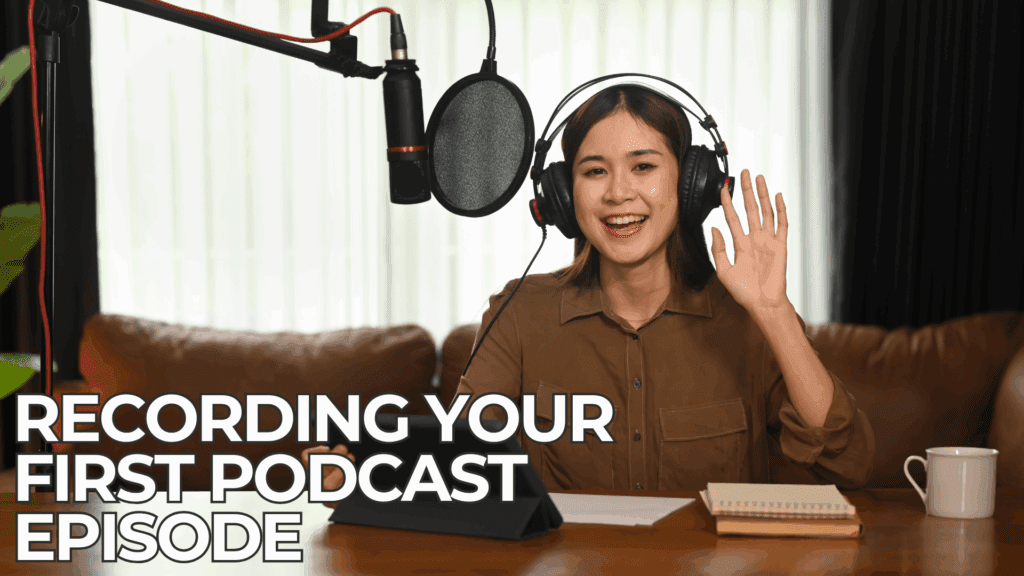

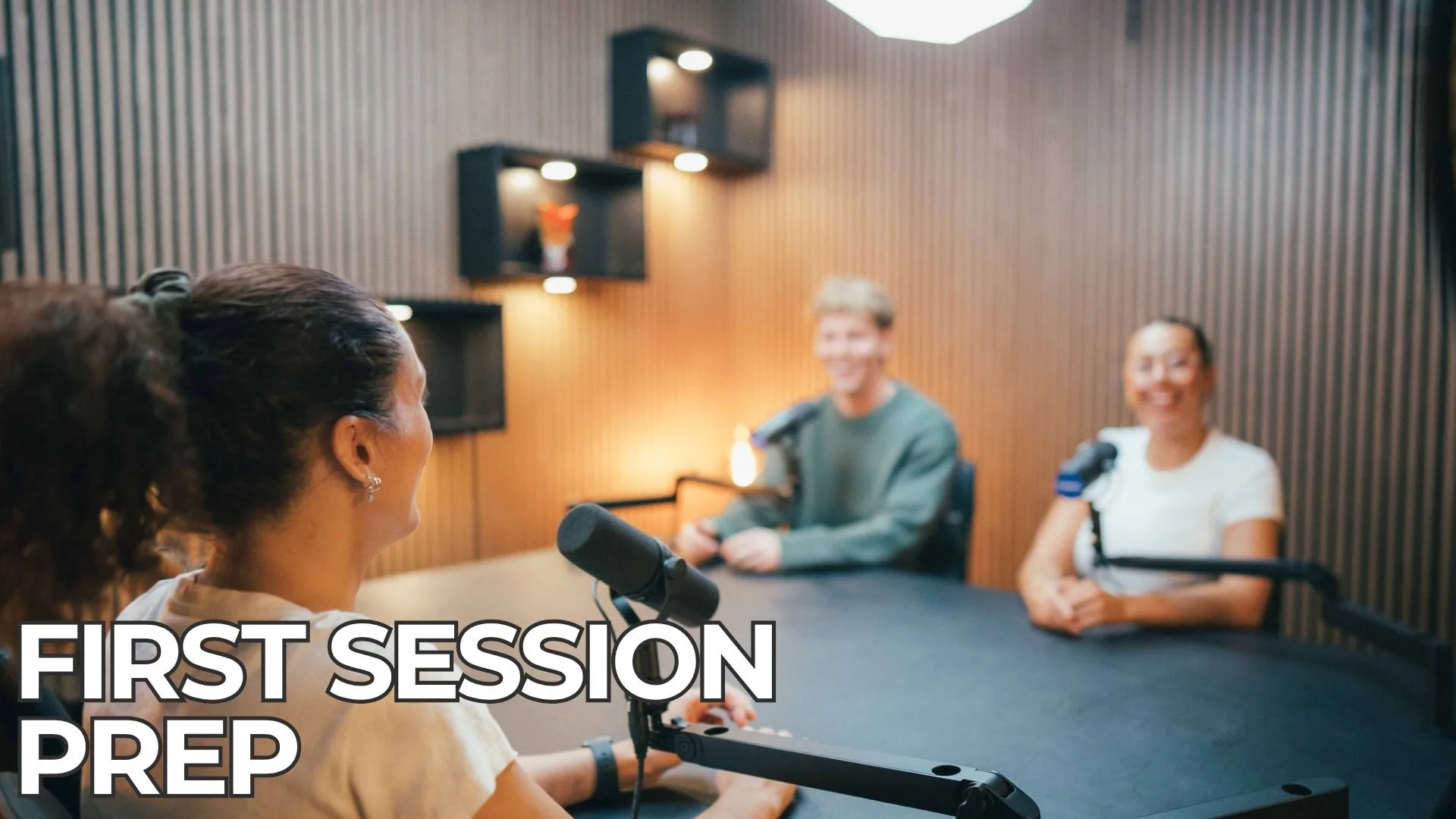
So, you’ve got the brilliant idea, the catchy name, and maybe even some snazzy cover art. You’re ready to unleash your voice upon the podcasting world! But then… the microphone stares back, the editing software looks like hieroglyphics, and a wave of “what ifs” washes over you. Sound familiar? Don’t worry, every podcaster starts somewhere, and that somewhere is often a slightly nerve-wracking first recording session.
Fear not, aspiring audio adventurers! This blog post is your friendly guide to navigating that initial hurdle. We’ll focus on two crucial elements that will set you up for success: crystal-clear audio and confident delivery. Nail these, and you’ll be well on your way to creating a podcast you’re proud of.
Part 1: Achieving Crystal-Clear Audio (Listen Up!)
Let’s face it, no matter how captivating your content, poor audio quality will send listeners scrambling for the “unsubscribe” button faster than a startled kangaroo. Here’s how to ensure your first episode sounds professional:
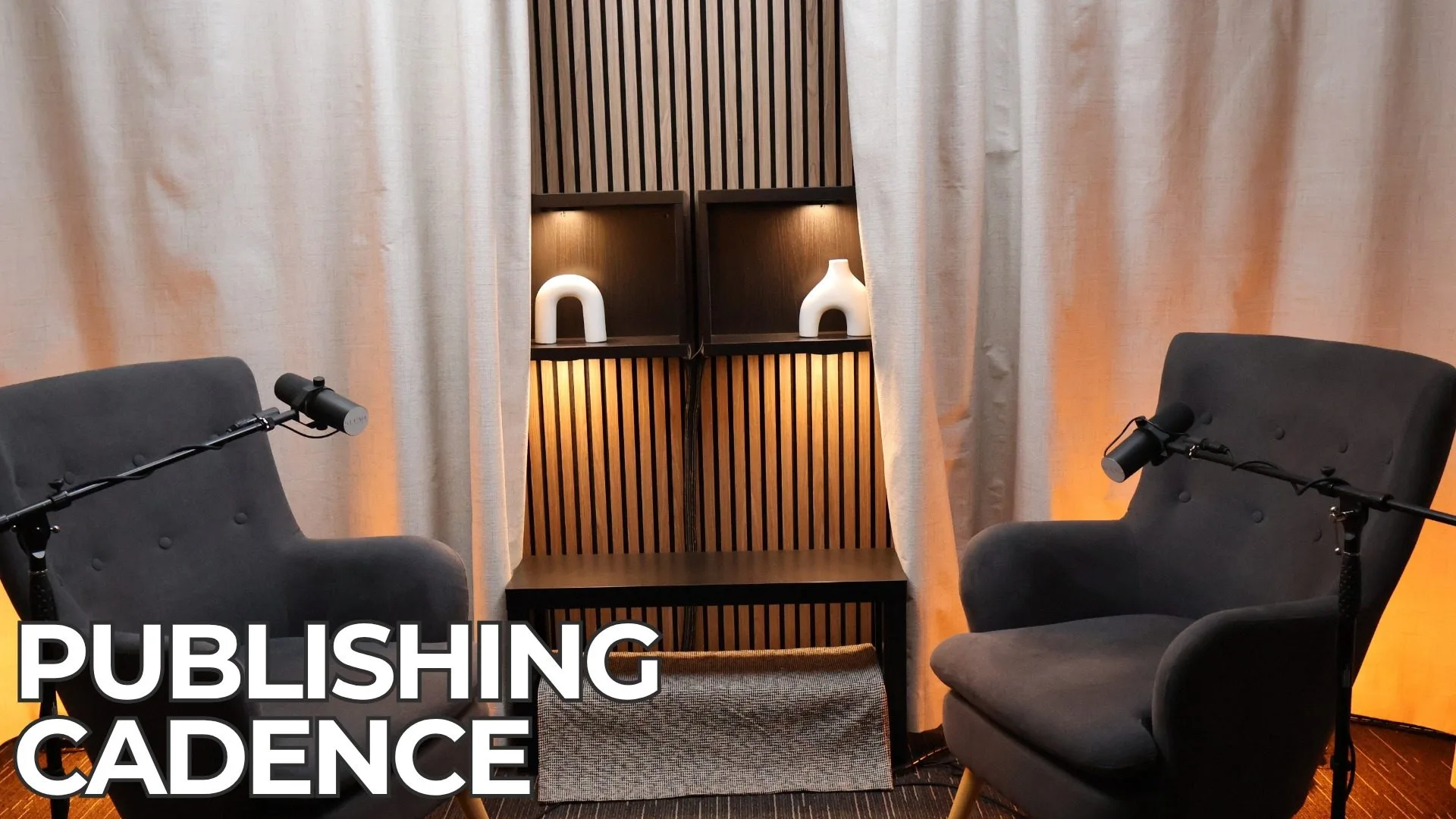
- Choose the Right Environment: Your recording space is paramount. Aim for the quietest room you can find. Minimise background noise like traffic, air conditioners, and chatty housemates. Closets or rooms with soft furnishings (rugs, curtains) can help absorb sound and reduce echo.
- Microphone Matters (But You Don’t Need to Break the Bank): While professional studio mics are fantastic, you can achieve great results with a decent USB microphone designed for podcasting. Research beginner-friendly options and invest in one that suits your budget.
- Get Up Close and Personal (With Your Mic): Position your microphone correctly. Generally, aim for a distance of a fist or two away from your mouth. Experiment to find the sweet spot where your voice is clear and full without sounding too breathy or plosive (those harsh “p” and “b” sounds).
- Pop Goes the Weasel (Use a Pop Filter): A pop filter is a small, inexpensive mesh screen that sits in front of your microphone. It’s your best friend in preventing those distracting “pops” caused by air hitting the mic when you speak. Trust us, your listeners will thank you.
- Headphone Hero: Monitoring your audio in real-time with headphones is crucial. This allows you to hear exactly what’s being recorded, identify any unwanted noises, and adjust your speaking volume as needed. Closed-back headphones are ideal for minimising sound leakage.
- The Test Run is Your Friend: Before you dive into recording your actual episode, do a short sound check. Record yourself speaking for a minute or two and then listen back critically. Are you too loud or too quiet? Is there any background noise you missed? Make adjustments before you hit “record” for real.
- Minimise Movement: Fidgeting, tapping, and rustling papers can create distracting noises. Try to stay relatively still while recording. If you need to refer to notes, place them in a quiet spot where they won’t create sound when you touch them.
Part 2: Delivering with Confidence (Own Your Voice!)
Clear audio is essential, but engaging delivery will keep your listeners hooked. Here are some tips to boost your confidence behind the mic:
- Plan Your Content (But Don’t Over-Script): Have a clear outline of what you want to talk about. Bullet points and key talking points will keep you on track without sounding robotic. Avoid reading a script verbatim, as it can often sound unnatural.
- Practice Makes (Almost) Perfect: Rehearse your intro, key segments, and outro. This will help you feel more comfortable with the flow and timing. Practice speaking clearly and at a natural pace.
- Speak Naturally (But Enunciate): Imagine you’re having a conversation with a friend. Speak in a relaxed and authentic tone. However, be mindful of enunciating your words clearly so your listeners can easily understand you.
- Pacing and Pauses are Powerful: Don’t rush through your content. Use pauses strategically to emphasise points, allow listeners to absorb information, and create a more natural conversational rhythm.
- Don’t Be Afraid to Make Mistakes (It’s Part of the Process): Everyone stumbles over words or has a “brain fart” occasionally. Don’t let it derail you. Take a breath, correct yourself, and keep going. You can always edit out minor flubs later.
- Be Yourself (Authenticity Resonates): Let your personality shine through! Your unique perspective and genuine enthusiasm will make your podcast stand out. Don’t try to be someone you’re not.
- Visualise Your Audience: Imagine you’re speaking to a specific person or a small group of friends. This can help you connect with your listeners on a more personal level.
- Start Strong (Your Intro Matters): Your introduction is your first impression. Make it engaging and clearly state what your podcast is about and what listeners can expect.
- End with a Call to Action (and Gratitude): Encourage listeners to subscribe, leave a review, or connect with you on social media. And always thank them for tuning in!
Part 3: Level Up with Video – Engaging Your Audience Visually
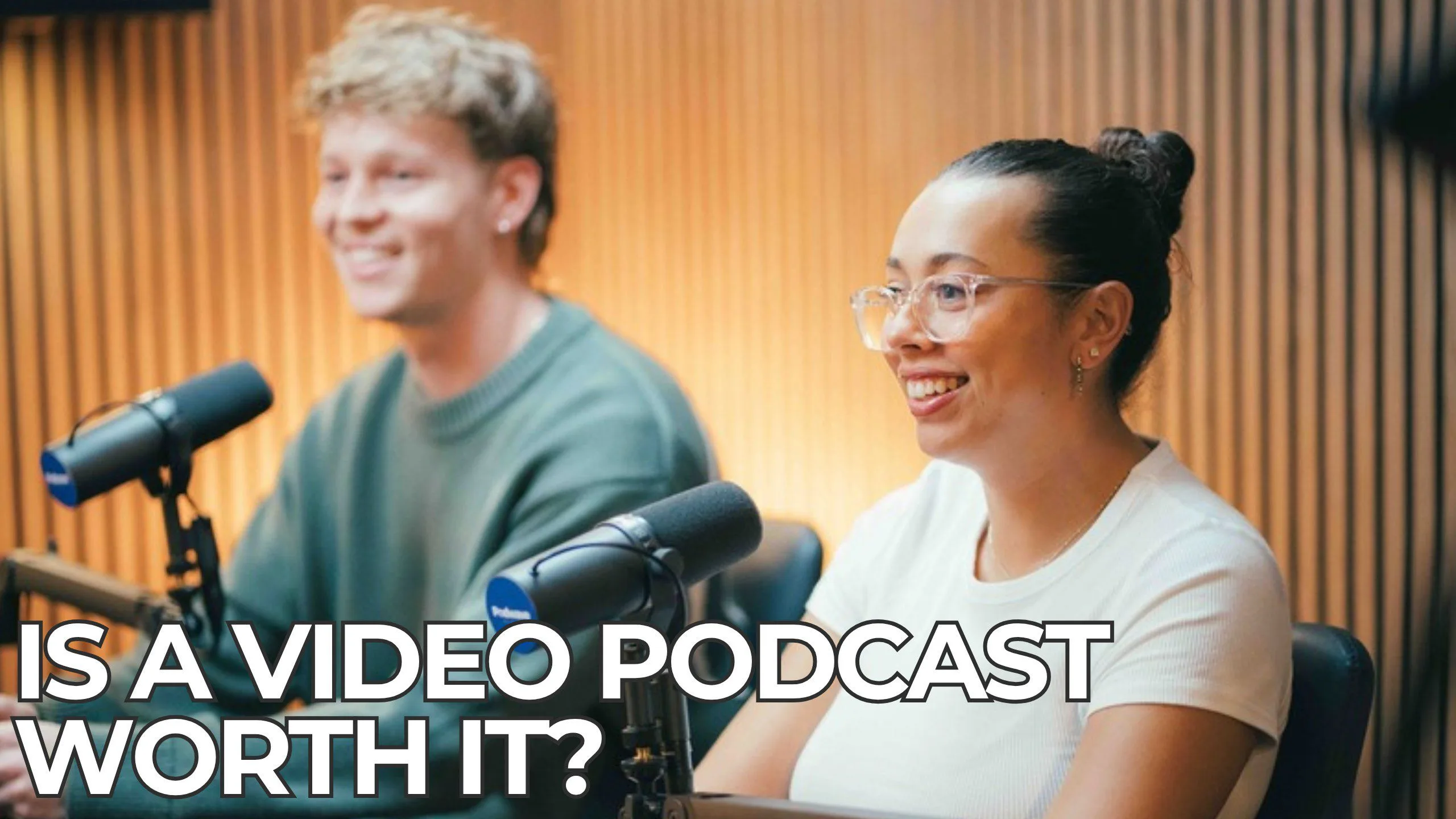
In today’s digital landscape, adding a video component to your podcast can significantly enhance engagement and reach a wider audience. While audio remains crucial, visuals can add a personal touch, build stronger connections, and provide content that’s easily shareable on platforms like YouTube. Here’s how to approach video for your first podcast episode:
- Plan Your Visuals: Think about what your audience will see. Will it be just you (or your hosts/guests) talking? Will you incorporate visuals like screen shares, product demos, or B-roll footage? Having a basic visual plan will help you set up your shot effectively.
- Choose Your Camera(s): You don’t need a professional cinema setup for your first video podcast. A good quality webcam, a smartphone with a decent camera, or a basic DSLR can work well. Consider using multiple cameras if you have guests to provide different angles and keep the visuals dynamic.
- Frame Your Shot Thoughtfully: Pay attention to what’s in the background. Choose a clean, uncluttered space that reflects your brand or the tone of your podcast. Ensure you (and your guests) are well-framed, with enough headroom and visible from the chest up or waist up, depending on your style. Consider the rule of thirds for a more visually appealing composition.
- Lighting is Key for Video: Just like good audio, good lighting is essential for a professional-looking video. Natural light from a window can work well, but avoid having it directly behind you, which can create a silhouette. Consider investing in basic lighting equipment like ring lights or softbox lights to ensure consistent and flattering illumination. Position your lights to eliminate harsh shadows on your faces.
- Minimise Visual Distractions: Avoid jerky movements, fidgeting, or distracting background activity. Encourage guests to be mindful of their movements as well. A stable camera setup (using a tripod or stable surface) is crucial for a professional look.
- Consider Your Background: While a clean background is good, you can also add subtle visual interest with relevant props, plants, or branding elements. Just ensure it doesn’t become too busy or distracting.
- Test Your Video Setup (Just Like Audio!): Before recording your main episode, do a short video test. Record yourself speaking and moving slightly. Review the footage for clarity, lighting, framing, and any visual issues. Adjust your camera position, lighting, and background as needed.
- Maintain Eye Contact with the Camera: Just like with confident audio delivery, make an effort to look directly into the camera lens when speaking directly to your audience. This creates a sense of connection and makes your video more engaging. If you have multiple cameras, try to alternate your gaze.
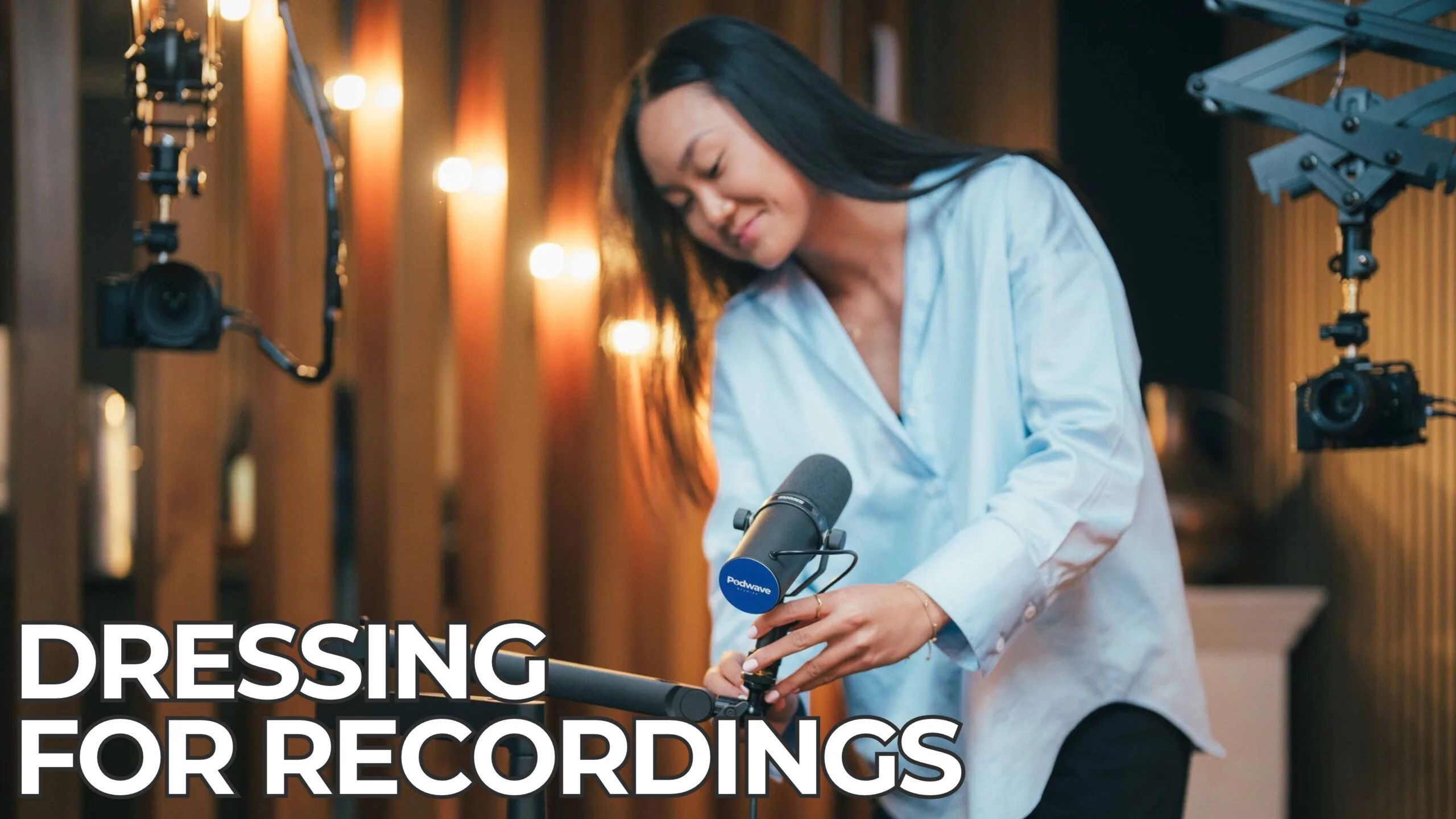
- Be Mindful of Your Appearance: While you don’t need to be red-carpet ready, present yourself in a way that aligns with your brand and audience expectations. Pay attention to your clothing and grooming.
- Edit Your Video (If Necessary): Basic video editing can enhance your podcast. This might include adding an intro and outro, cutting out long pauses or mistakes, and potentially adding lower thirds with your names or podcast information. Start simple and gradually explore more advanced editing techniques as you become comfortable.
By thoughtfully incorporating video into your podcast, you can create a more immersive and engaging experience for your audience, expand your reach on video-centric platforms, and build a stronger connection with your listeners (and viewers!). Don’t let the thought of video overwhelm you – start with the basics and gradually refine your approach as you gain experience. Good luck bringing your podcast to life visually!